Most online service booking forms have never seen the workshop diary. A customer picks Tuesday at 9am and gets a confirmation email, even if the workshop is already full. The clash only comes to light when someone at the dealership works through the bookings.
Someone then has to call the customer to rearrange and hope they don't book somewhere else instead. That's how leads get lost.
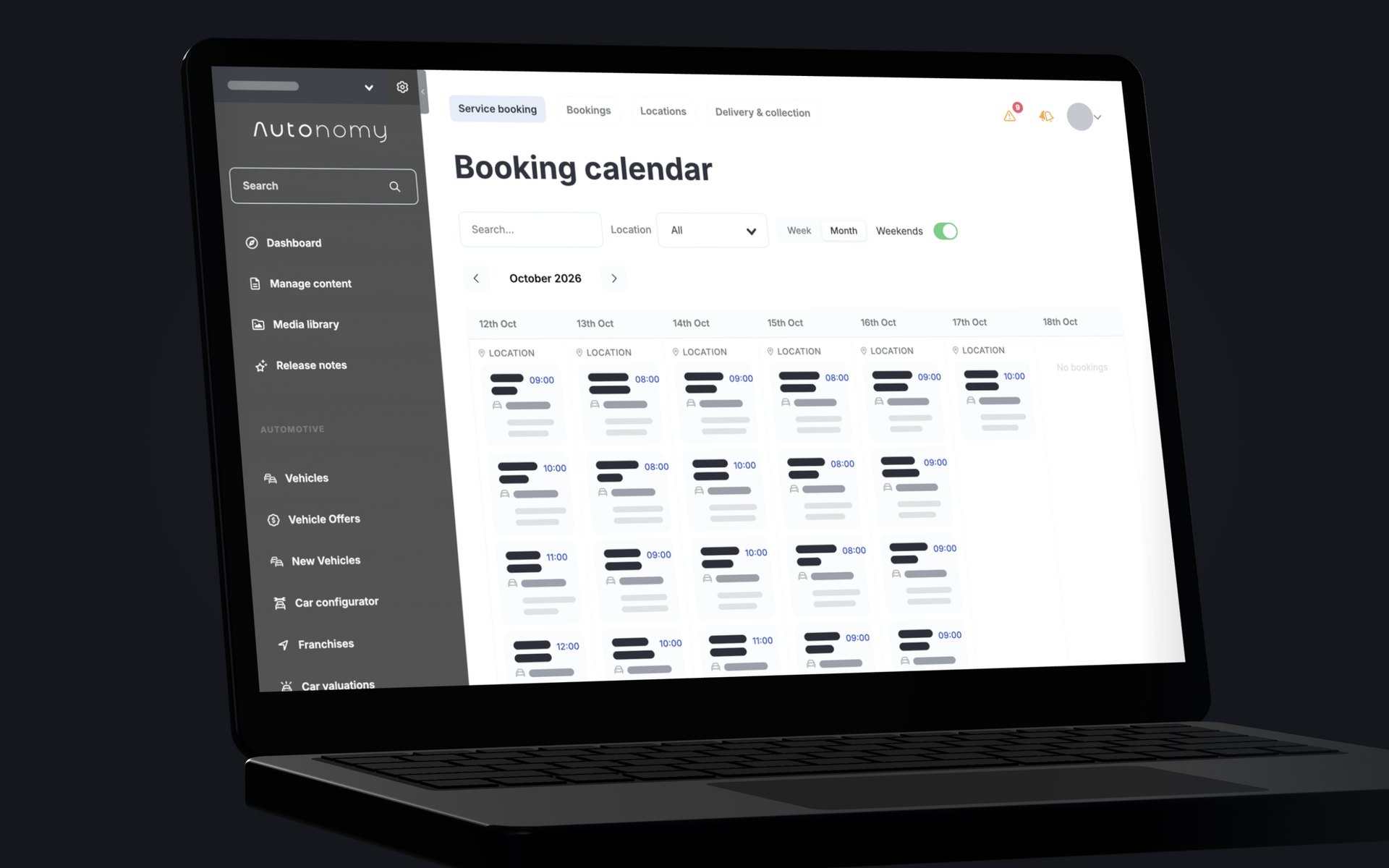
Autonomy, in collaboration with CitNOW, can now place service bookings straight into the dealer's workshop diary through a fully integrated website journey. Customers only see times the workshop can actually take, with services and prices pulled from the dealer's own system. Here's how it works, and what it changes for your aftersales team.
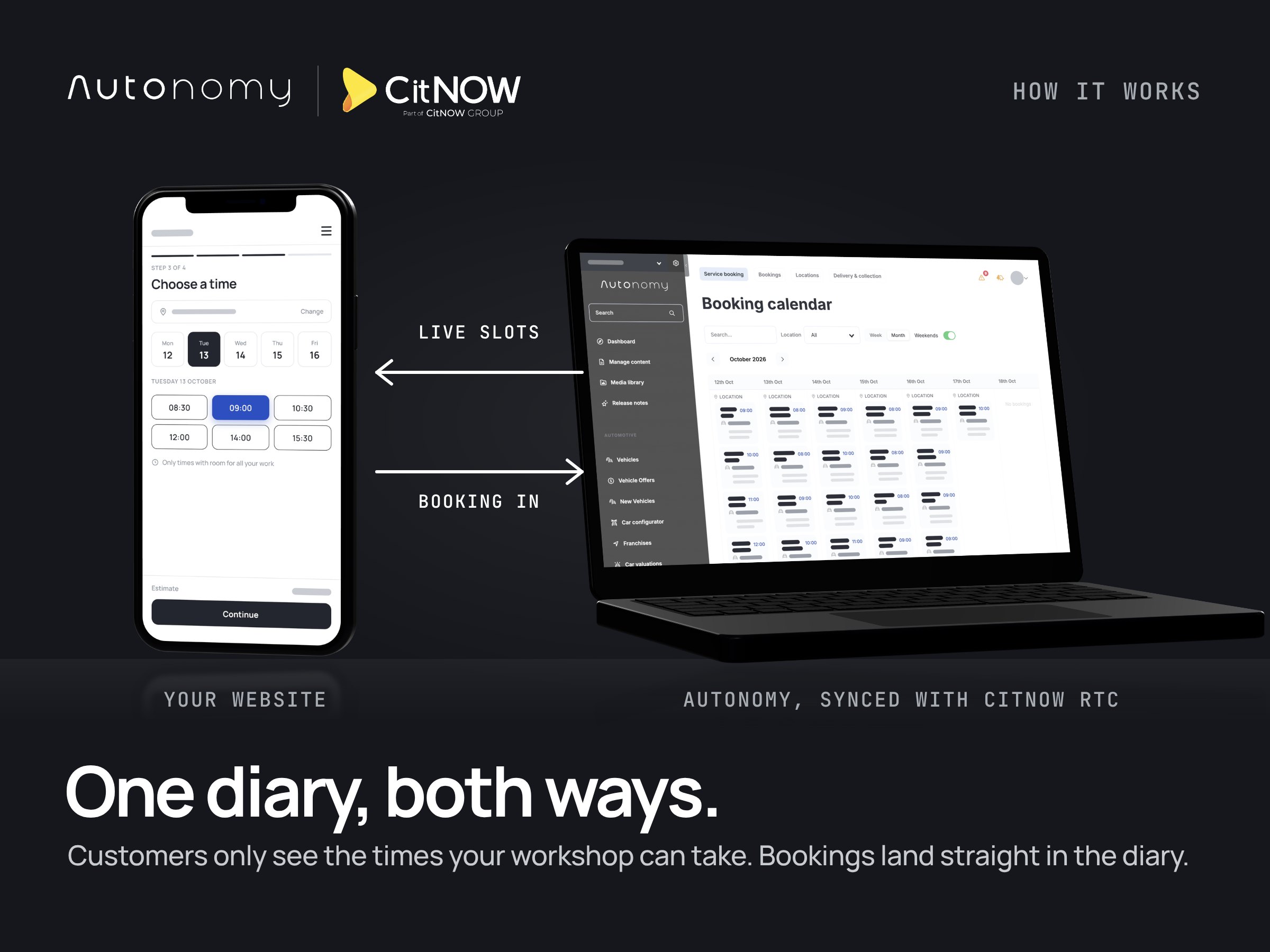
Availability straight from the workshop diary
Every booking starts from what the dealer's diary can offer. Service types, prices and appointment slots all come from CitNOW RTC, so the website never shows a service the workshop doesn't do, or a price that's out of date.
Slots are sized to the work the customer selects. Someone booking a service plus extra work only sees times with room for all of it, not fixed windows in the day.
If they change the work they've selected, any slot that no longer fits is cleared. They can't confirm a time the workshop can't honour.
The right branch, with the right facilities
Branches and their facilities stay in sync with the diary, including courtesy cars, waiting while the work is done, and vehicle collection. The list stays current, and customers don't have to wait for it to load.
Building the booking
Dealers choose which services are pre-selected and which are locked into every booking, such as courtesy walk-throughs.
The website shows a running cost estimate as the customer picks services, so they can see what the visit will cost while they choose. They can untick everything and start again, but a booking can't be confirmed without at least one service.
Extra detail goes to the dealer with the booking, including service plan information, so the workshop knows what's covered before the car arrives.
When the answer is no
A declined booking never reaches the customer as a confirmation. If CitNOW RTC turns a booking down, the customer is told why. They can then change their details or pick another time or branch and carry on, with no false confirmation in their inbox.
If a vehicle can't be identified from its registration, it's flagged at the start, before the customer has spent time choosing services.
Cancellations work both ways too. When your team cancels a booking in Autonomy, its status updates and the slot is freed in the workshop diary. The time is open for the next customer, and nobody has to remember to clear it by hand.
Confirmation emails
Every CitNOW RTC booking sends the customer a confirmation listing what they chose. It includes the branch's own phone number and address, so any questions go straight to the right team. Customer and team emails are both on by default, and each can be switched off.
Getting started
CitNOW RTC booking sits alongside Autonomy's built-in booking engine. It's quick to set up and fully embedded in the website. There are no separate enquiry forms leaving someone to sort out the diary by hand, and no iframes that look and feel out of place on the site.
If your workshop already runs its diary in CitNOW RTC, speak to the Autonomy team about getting started.